What can I do if I don't receive the email to reset my Campus Difusión platform account password?
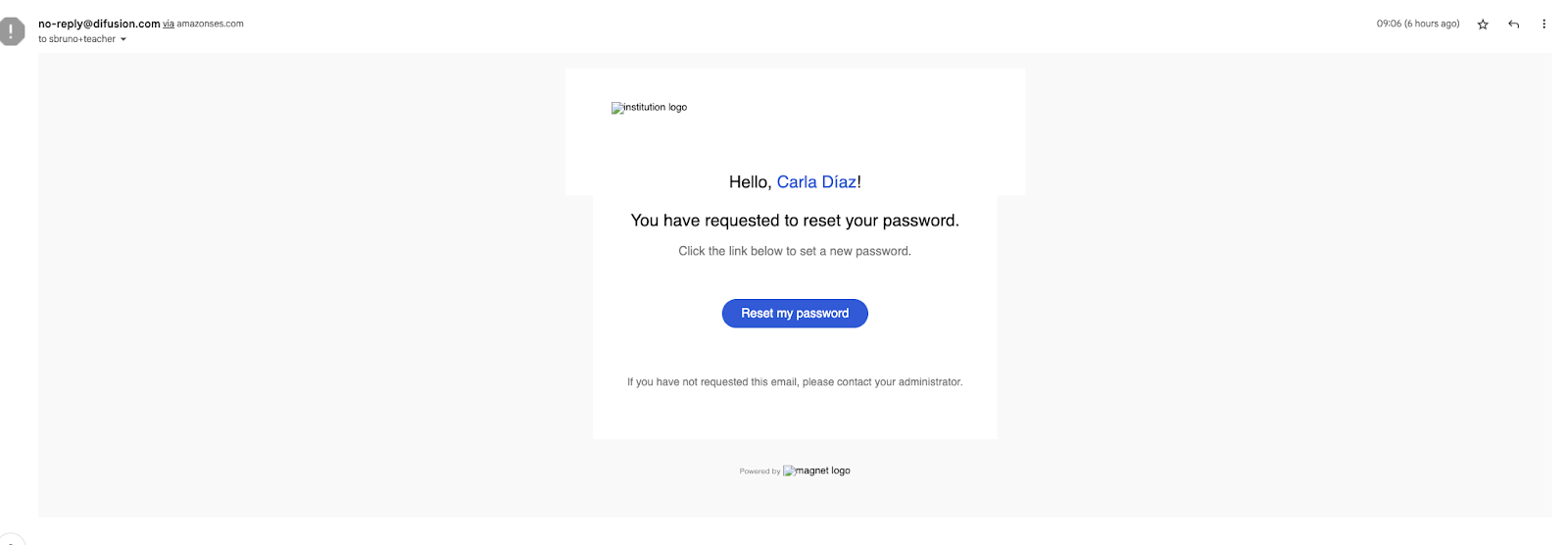
You should have received an e-mail with instructions on how to reset your password similar to the screenshot here below from no-reply@difusion.com via amazonses.com
Look for the e-mail entitled New password and click on the ‘New password’ link.
If you can't find it in the main box, please check your spam/junk mail.
Enter a new password, confirm it and click on ‘Reset my password’.
Then log in and you will be redirected to the platform.
In case you do not receive it, contact the customer service department by by filling this form.